
How to Make Product Videos That Perform on Social and Ads | Turn One Photo Into a Short Video
Instagram Reels, TikTok, Meta ad slots—wherever attention lives today, video beats stills. It stops the scroll in a way static images can't, so the same product tends to earn more clicks and saves as a video. The problem: adding a video production team is a heavy investment for a small apparel store.
This article explains how to create short videos from a single product photo—without adding a shoot—and how to repurpose them across social and paid media in a way that's realistic to operate.
Why stills alone struggle to reach people
Feeds and recommendation surfaces are built to favor motion. Users scroll with their thumb and decide "watch or skip" in a fraction of a second. Stills are at a disadvantage here.
- They don't stop the scroll: without motion, the eye slides past
- They carry less information: fabric movement, silhouette changes, and how the hem falls don't come across
- They get fewer placements: Reels and TikTok are video-first surfaces where stills simply show less
In other words, "taking a good photo" and "getting seen on social" are two different problems. You can raise photo quality and still not be competing on a surface built for video.
Three places video pays off
Product video works especially well in three situations.
- Social discovery: Reels and TikTok recommendations reach beyond your existing followers
- Ad creative: for the same product, video ads tend to beat static banners on completion and clicks
- On the product page: showing motion (hem sway, drape) reduces pre-purchase doubt
All three ask for the same thing—not a polished commercial, but a product that visibly moves. Broadcast-quality production isn't required.
The idea: make video without shooting
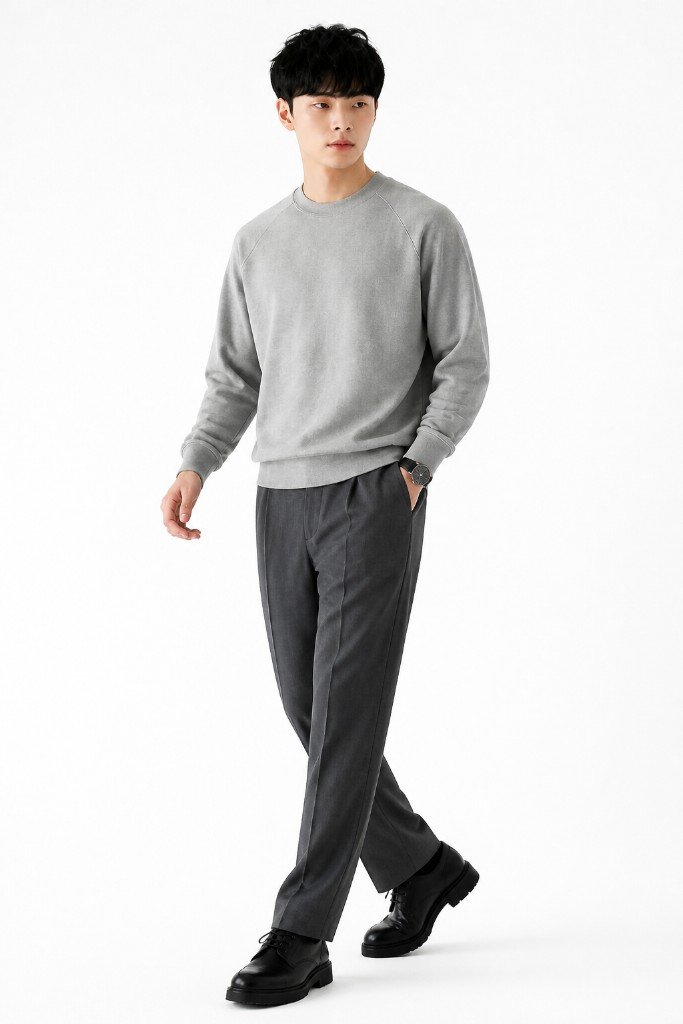
This is where a practical approach comes in: generate a short video clip from the product photo you already have. Upload the product image and produce a few seconds of an on-model clip in motion—no re-booking models or studios.
Information that stills couldn't convey comes across instantly in video.
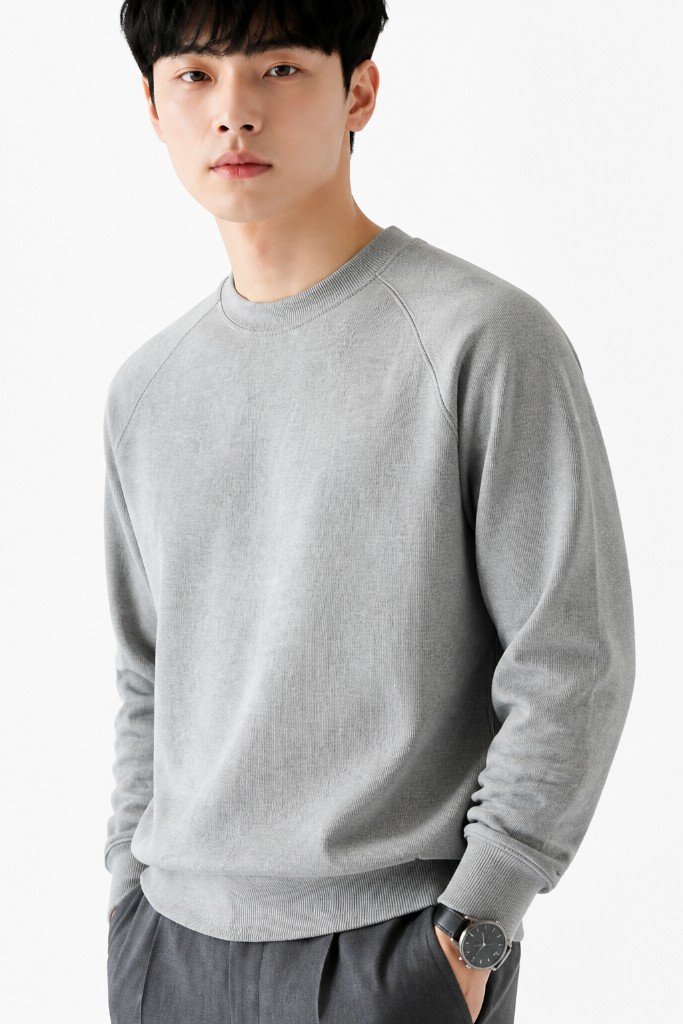
Material you want to show up close, or the way a silhouette shifts as someone walks, hits a ceiling no matter how many stills you line up. A single clip can convey texture, silhouette, and fit together.
A structure that works for social and ads
To communicate in a short runtime, it helps to standardize the structure. The basic template:
- First second: open with a cut that instantly signals the product is the star (a full-body wide, or an in-motion on-model shot)
- Middle: close-ups of material and detail—fabric character and stitching
- End: switch angles (front, back) to fill in the overall look when worn
- Length: 6–15 seconds. Shorter for social; segment for completion on ads
A video where the product isn't clear in the opening loses viewers right there. Just "put the star in the first second" moves completion rates.
Don't stop at one clip—repurpose it
Video isn't one-and-done. Reusing a single clip across multiple surfaces is where cost efficiency jumps.
- Use the vertical (9:16) cut for Reels, TikTok, Stories, and ads
- Pull the opening frame for a static banner too
- Embed the on-model clip as a sub-image on the product page
- Roll the same structure out across color and style variants
Rather than making one elaborate video per product, producing volume with the same template tends to drive results on social. The biggest advantage of bringing video in-house is exactly this: you can operate at volume.
Operational notes
- Product accuracy: always verify that color, pattern, and texture are reproduced correctly before publishing
- Sound and captions: social plays muted often, so captions that carry the key points lift completion
- Manage main images separately: marketplace main-image rules (Rakuten, Amazon) assume stills. Use video for social, ads, and sub-images, and prepare main images to spec
- Rights and likeness: always check the usage terms of your tool for generated model images and video
Summary
Social and ads have shifted to an environment where video outperforms stills. But scaling up a production team to get there is a burden for small stores. If you can produce short videos in-house from a single product photo, you can enter video-first surfaces without adding shoots, and repurpose one clip across channels to operate at volume.
Start with one of your best-sellers: make a video from a single still, run it on Reels or as an ad, and compare the response. With Sugata Studio, you can create an on-model short video just by uploading a product photo.