
How to Prepare Images in Time for the Fall Season | Get On-Model Shots Ready Before the Rush
Fall launches and sales are the year's peak for apparel ecommerce. Yet every season, in store after store, the same thing happens: the product is bought, but the images aren't ready and the launch slips. The selling window is fixed, but you're chasing shoot logistics and miss the fast start. That's not a product problem—it's a planning-design problem.
This article covers how to keep image production from becoming the bottleneck during the rush: the sequencing to prepare on-model images in advance, in bulk, and a realistic way to run it.
Why images don't make it in time during peak
Most of the cause is that image production is treated as a "downstream step that starts only after the product arrives."
- Shoots are arranged only after inventory lands
- New-item counts are high, so shooting and retouching pile up per item
- Model and studio availability clusters right before peak, making bookings hard
- One late item pushes the entire publish schedule back
The result: you miss the first few days of the launch, the highest-selling window. Thumbnails aren't ready on day one of the sale; on-model images for new items arrive late. That's lost opportunity.
Building a backward-planned schedule
First, reset the deadline from "publish date" to "images-complete date." Design backward so that all images are done several days before launch.
- Lock the publish date for the sale or launch (e.g., the fall kickoff)
- Working backward, set the images-complete deadline for one week before publish
- Split products into "core / secondary / other," and prepare images for the core first
- Divide labor between shooting and AI generation, shifting the high-volume on-model images to the generation side
The key is not chasing every product with equal intensity. Most of your revenue comes from a handful of core items. Lock those down first and you secure the fast start.
Why preparing ahead pays off
Instead of scrambling right before peak, create on-model images during the slow season, and the peak-period load levels out.
- You can pull shoots forward to when bookings are easy
- You structurally reduce the "won't make it in time" right before launch
- It becomes easier to run image-first, inventory-later (produce images, then order based on demand)
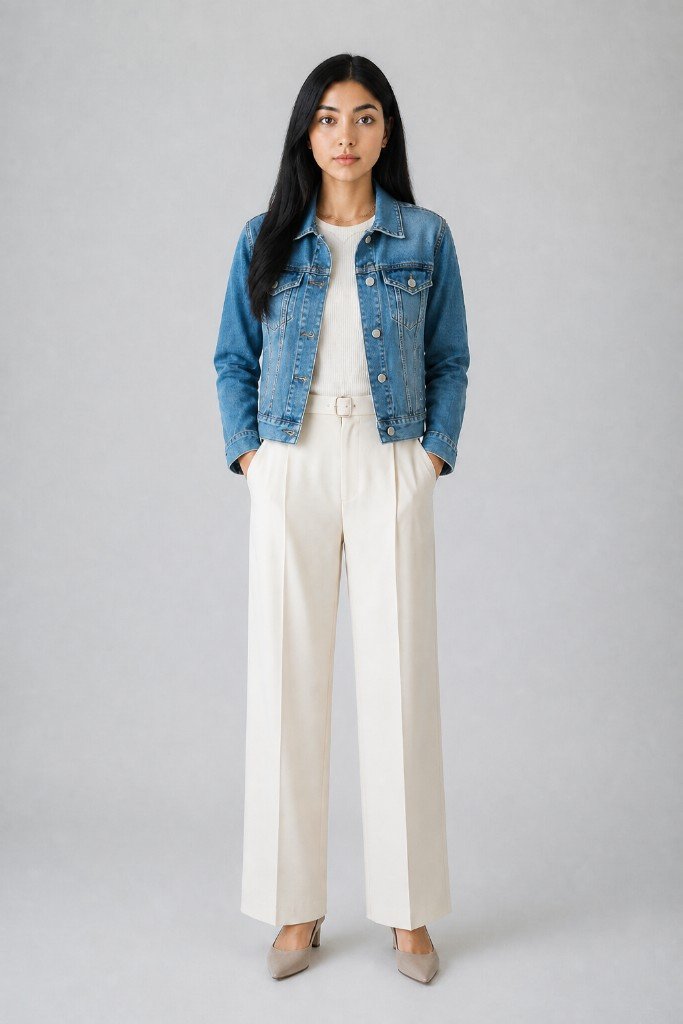
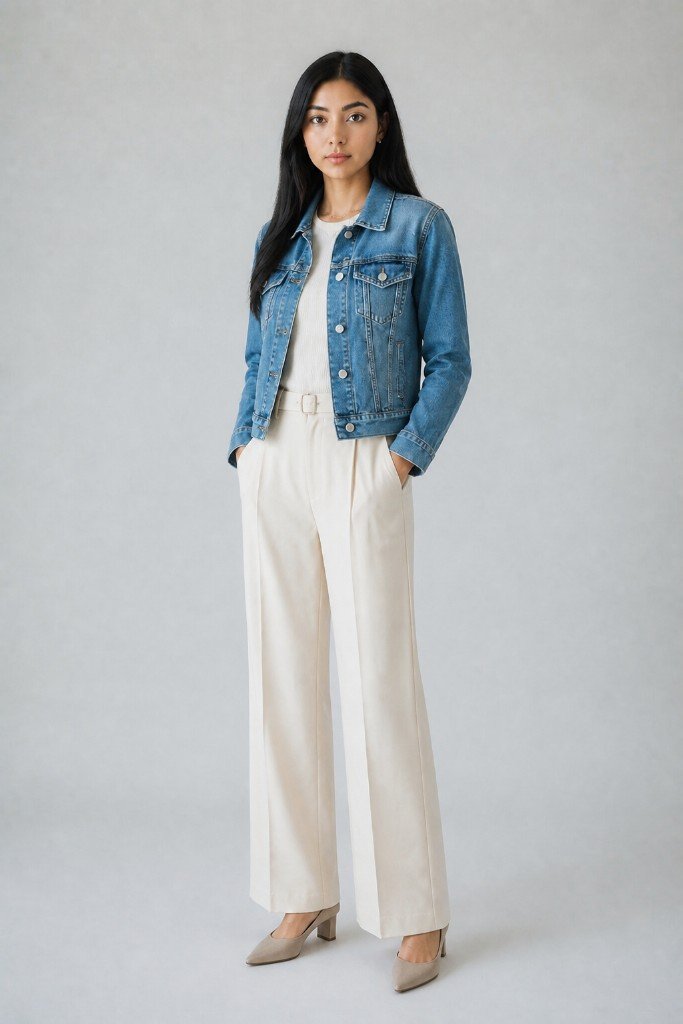
On-model images have a particular strength: as long as you have the product photo, you can prepare them before the physical stock arrives. Build the on-model look from a sample or product image, and you can publish the moment inventory lands.
Compressing lead time with AI on-model images
What makes preparing ahead realistic is generating on-model images from a single product photo. Because you skip booking shoots and waiting on delivery, you remove the peak-season bottleneck itself.
Three reasons it fits season prep well:
- Unit cost stays flat even at high counts: suited to launching many new items at once
- Easy to keep conditions consistent: starting from the same product image aligns model, lighting, and finish, giving the lineup a unified look
- Easy to produce ahead: build on-model looks from samples or pre-arrival images
Pre-sale checklist
To avoid stumbling at the launch, verify the following before going live.
- Do your core items have all angles? (front, three-quarter, back, close-up)
- Are thumbnails and banners ready to set on the publish date?
- Any gaps across color and style variants?
- Is a spec-compliant main image ready (white background, etc., per marketplace rules)?
- Any issues reproducing color, pattern, or texture? (always eyeball before publishing)
Meet these one week before publish, and launch day becomes simply "arrange and go live."
Summary
Seasonal-sale outcomes turn largely on how you design image prep before the product even arrives. Plan backward from the publish date, do the core items first, and prepare on-model images during the slow season. Get ahead like this and you avoid the peak-period bottleneck and capture the fast start of your best-selling window.
On-model images can be prepared before stock arrives, as long as you have the product photo. With Sugata Studio, you can generate on-model images in bulk from a single product photo and use them for season prep. Start with one core item this season and get its on-model images ready in advance.